SMS
Delivery reports
See which messages were delivered, find failures and export reports.
Last reviewed
Delivery logs
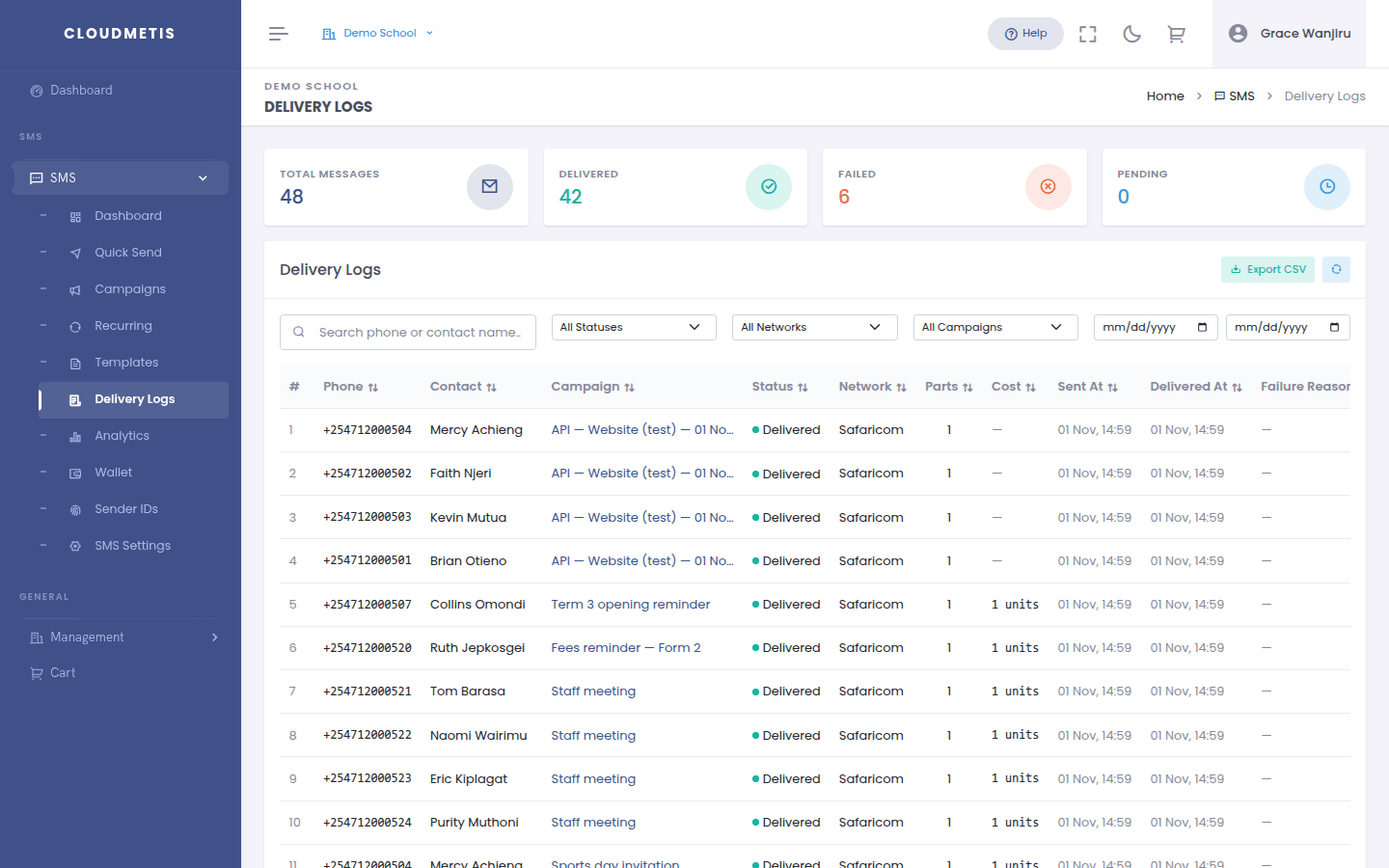
Go to SMS → Delivery Logs to see every message you've sent.
- The cards at the top show Total Messages, Delivered, Failed and Pending.
- Filter by phone or contact name, status, network, campaign and date range. Clear resets the filters.
- Export CSV downloads the filtered list — useful for your records or for sharing with your team.
What the statuses mean
| Status | Meaning |
|---|---|
| Queued / Submitted | On its way to the network |
| Sent | Accepted by the network, waiting for the phone |
| Delivered | The phone received it |
| Failed | The network couldn't deliver it — see Failure Reason |
| Expired | The phone was unreachable for too long |
| Rejected | The network refused it, e.g. an invalid number |
| Opted out | The number has opted out; it was not sent |
Most messages are delivered within seconds. A phone that is off can keep a message in Sent for a while before it becomes Delivered or Expired.
Common failure reasons
- Invalid or inactive number — check the number; update or remove the contact.
- Phone off or out of coverage for a long time — the message expires; resend later.
- Number blocks promotional messages — the subscriber has blocked marketing SMS on their line.
To resend failures from a campaign, use Resend Failed.
Analytics
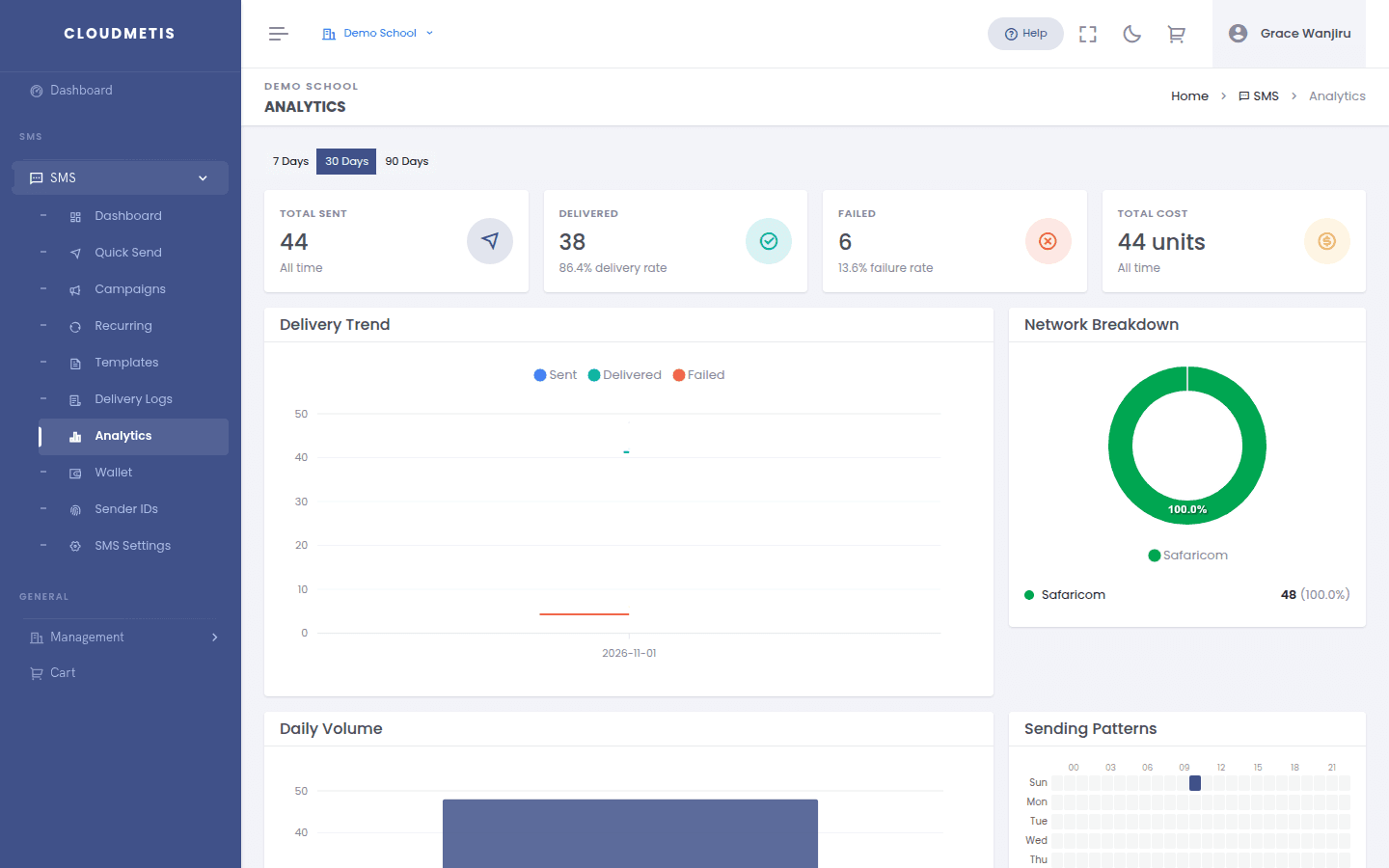
SMS → Analytics shows trends over the last 7, 30 or 90 days: delivery trend, network breakdown, daily volume, the best times you send, and your top campaigns.