SMS
Opt-outs
Stop sending to people who don't want your messages.
Last reviewed
When someone asks you to stop messaging them, add their number to your opt-out list. CloudMetis then skips that number in every send — Quick Send, campaigns, recurring campaigns and the API — and never charges for it.
Add a number
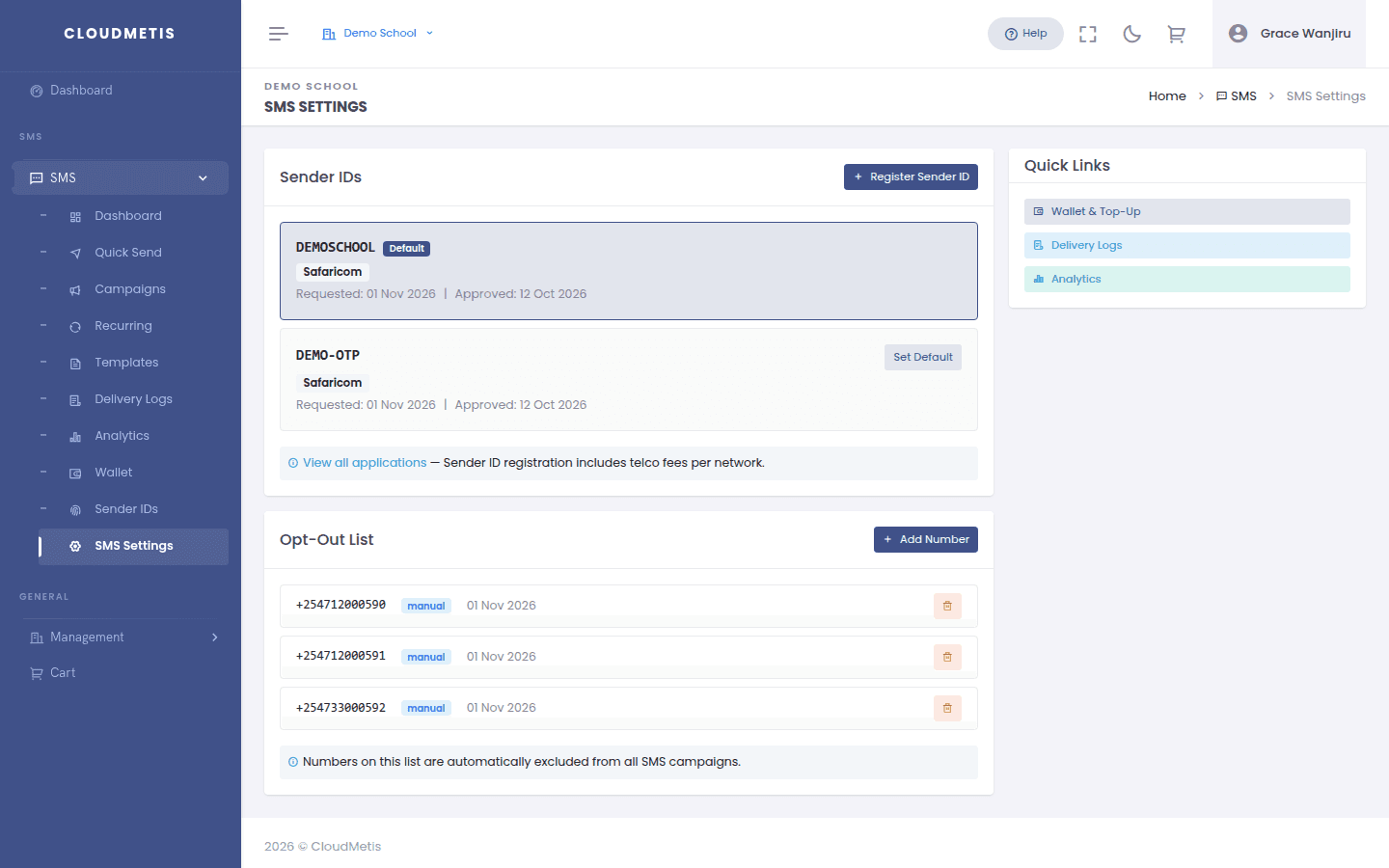
- Go to SMS → SMS Settings.
- In Opt-Out List, click Add Number.
- Enter the phone number in E.164 format (for example
+254712345678) and save.
Remove a number
If someone asks to receive your messages again, click the delete icon next to their number in the opt-out list and confirm.
Good practice
- Respect opt-out requests promptly — most data protection laws require it for marketing messages (for example Kenya's Data Protection Act and the EU's GDPR), and it protects your sender ID's reputation with the networks.
- Make it easy to opt out: for marketing messages, tell people how to stop receiving them (for example "Reply or call 07XX to opt out").
- The opt-out list applies to your whole organisation, across all sender IDs.